

Feedback requires a Pro or Enterprise plan.
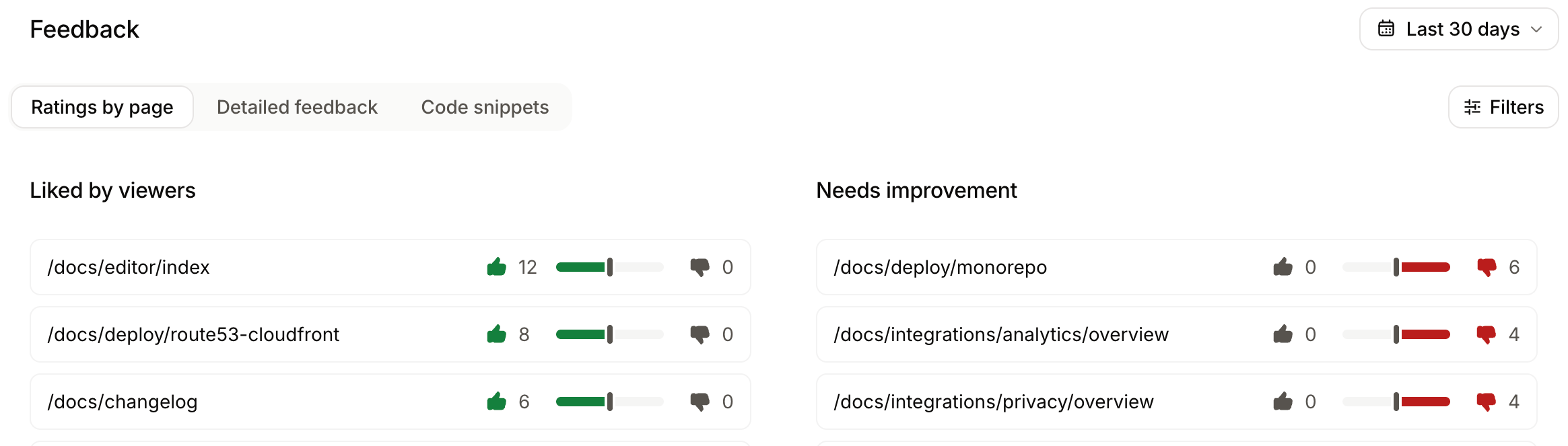
- Page ratings: Thumbs-up and thumbs-down ratings from users, grouped by page.
- Detailed feedback: Feedback that includes written content, such as comments, code snippet feedback, and agent feedback.
- Identify successful content: Pages with the most positive feedback show what works well in your documentation.
- Prioritize improvements: Pages with the most negative feedback indicate what content might need attention.
- Take action: Make documentation updates based on direct user feedback.
Enable feedback
If you disable telemetry in your
docs.json file, you cannot enable feedback features.- Navigate to the General settings page.
- In the Feedback section, enable your desired feedback types.
- Thumbs rating: Simple thumbs up/down voting to gauge overall satisfaction with pages.
- Edit suggestions: Allow users to suggest edits to your documentation. Only available for public repositories.
- Raise issues: Allow users to create issues directly from your site. Only available for public repositories.
- Contextual feedback: Free-form feedback about the content of a page. Optionally, enable email collection to allow users to provide their email address when submitting feedback.
- Code snippet feedback: Feedback specifically on code snippets.
Review feedback
Page ratings
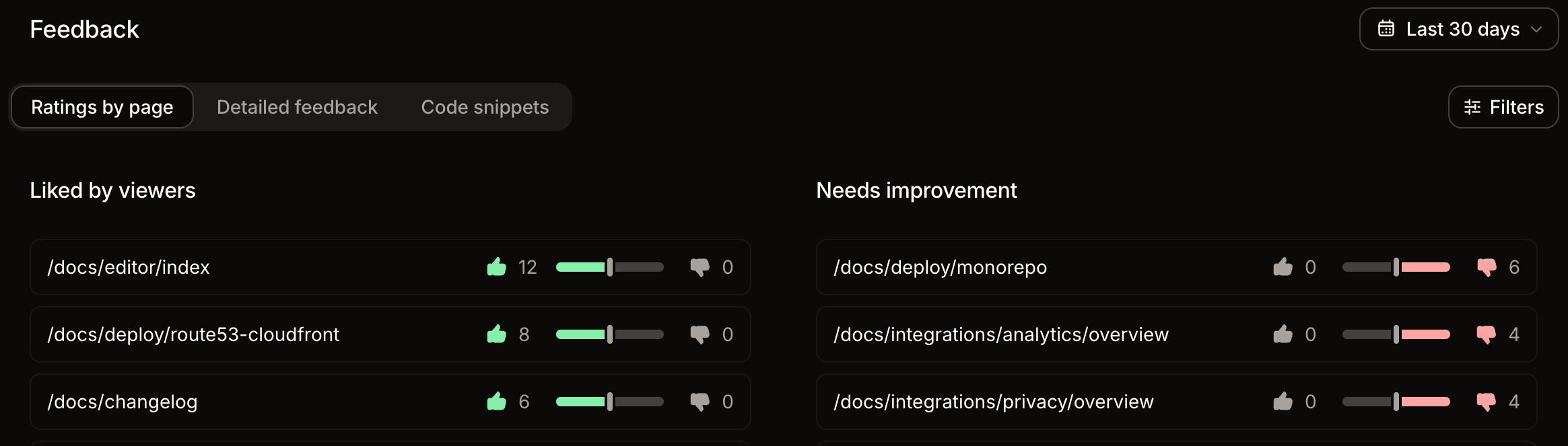
The Page ratings card lists pages with their thumbs-up and thumbs-down counts. Sort by Most negative or Most positive to find the pages that users find least and most helpful. Thumbs ratings also count as actions in the User engagements view.Detailed feedback
The Detailed feedback card lists feedback that includes additional information. Submissions that use only the thumbs up or thumbs down rating without a comment appear in Page ratings, not in Detailed feedback. Use the filter menu to narrow the list:- Sentiment: Show feedback rated positively, negatively, or both.
- Type: Show Comments, Agent feedback, Code blocks, or any combination.
Dismiss feedback
Dismiss feedback that is irrelevant or inaccurate. Select Dismiss from a piece of feedback’s menu or from its details panel. Dismissed feedback no longer appears in the Detailed feedback card.Agent feedback
Agent feedback is in beta and subject to change.
How agent feedback works
Connect an agent to your site’s search MCP server. The server exposes asubmit_feedback tool that requires the page path and a description of the problem.
Web search and web fetch tools do not connect an agent to the search MCP server. Connect the agent to the server so it can discover and call the
submit_feedback tool..md and .mdx extensions, and your site’s base path don’t affect matching. If no page matches, the submit_feedback tool returns an error and the submission isn’t recorded.
Mintlify records each accepted submission as unhelpful feedback for the specified page. The feedback appears in the dashboard alongside human feedback.
Retrieve agent feedback via API
Use the analytics feedback endpoint to retrieve agent feedback programmatically. Filter bysource=agent to return only agent feedback.
Agent feedback responses include:
comment: The feedback text submitted by the agent.path: The path of the page the feedback is about.